Adobe Firefly's AI Partner Models: What Creative Teams Need to Know
For years, Adobe's competitive strategy was straightforward: own the creative workflow so completely that switching away felt impossible. Then generative AI arrived, and a dozen startups began doing things Photoshop simply couldn't. Adobe faced a choice — fight the AI natives or absorb them.
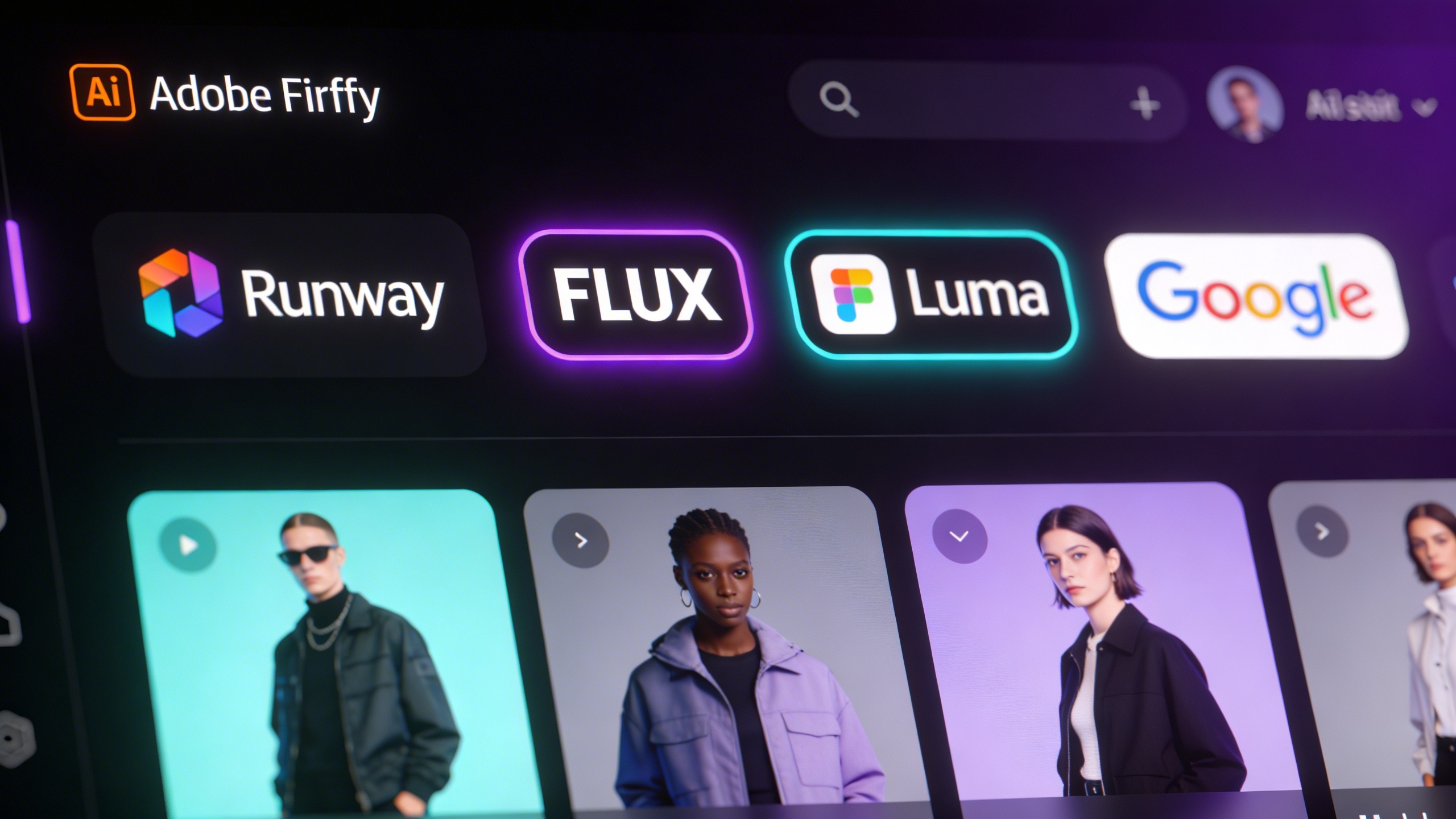
They chose absorption. And in the twelve months since, Adobe Firefly has quietly transformed from a proprietary image model into one of the most ambitious AI model marketplaces in the industry. Runway, FLUX, Luma AI, Google, OpenAI, Ideogram, Pika, Topaz Labs, ElevenLabs, Moonvalley — they're all inside Creative Cloud now, accessible under a single subscription.
Here's what that actually means for creative teams in 2026.
The Partner Model Lineup: What's Inside Firefly Today
The scope of Adobe's partner integrations has grown faster than most teams realize. As of early 2026, Firefly and associated Creative Cloud apps include:
| Model | Partner | Use Case | Where Available |
|---|---|---|---|
| Gen-4 / Gen-4.5 | Runway | Video generation | Firefly Video, Boards |
| Aleph | Runway | In-clip video editing | Firefly Video Editor, Boards |
| FLUX.1 Kontext | Black Forest Labs | Image generation & editing | Photoshop Generative Fill, Firefly |
| FLUX.1.1 | Black Forest Labs | Text-to-image | Firefly Boards |
| Gemini 2.5 Flash Image | Fast image generation | Firefly, Photoshop | |
| Veo 3 | Video generation | Firefly Video | |
| Ray3 / Ray2 | Luma AI | Video generation | Firefly Boards |
| Marey | Moonvalley | Cinematic video | Firefly Boards |
| Pika 2.2 | Pika Labs | Video generation | Firefly |
| Ideogram 3.0 | Ideogram | Text-in-image generation | Firefly |
| GPT Image | OpenAI | Image generation | Firefly |
| Astra | Topaz Labs | Video upscaling | Firefly Boards |
| Multilingual v2 | ElevenLabs | Voiceover generation | Firefly Video Editor |
This is not a curated best-of-one: it's a genuine marketplace. Adobe's position isn't "we have the best model" — it's "you can use the best model for each task without leaving your workflow."
"The true value and magic of AI will only come from seamless integration into the workflows that all of you know and love." — Shantanu Narayen, Adobe CEO
The Runway Partnership: Adobe's Most Strategic Bet

Of all Adobe's partner deals, the Runway integration announced in December 2025 carries the most strategic weight. Adobe became Runway's preferred API creativity partner — a designation that means Firefly customers get early access to Runway's latest models before general public release.
The initial integration brought two Runway capabilities into Adobe:
Gen-4 and Gen-4.5 are Runway's flagship video generation models, offering precise motion control, strong temporal consistency, and what the company calls "world-class prompt adherence." Firefly users can now generate video directly in the platform using Gen-4.5 without needing a separate Runway subscription.
Aleph is the more interesting piece. It's an in-context video editing model — meaning it doesn't generate new videos from scratch, but surgically edits existing clips. Remove an object, change the lighting, add a new element to a scene, apply a style transfer — Aleph handles it frame-by-frame without requiring traditional compositing. The combination of Firefly's native video model for initial generation and Aleph for targeted refinement creates a genuinely new kind of editing pipeline.
Adobe has confirmed that deeper Runway integration into Premiere Pro and After Effects is coming in 2026. For teams currently bouncing between Premiere and Runway's standalone editor, that native bridge will remove a significant friction point.
If your team currently uses Runway for video edits and Adobe for everything else, watch for the Premiere Pro integration — it could consolidate two subscription costs into one.
FLUX in Generative Fill: The Image Editing Story
The Runway partnership gets more press, but the FLUX.1 Kontext integration inside Photoshop's Generative Fill may be the change that affects the most workflows day-to-day.
Black Forest Labs built Kontext specifically for instruction-following image edits — meaning you describe what you want changed in natural language, and the model makes the edit while preserving everything else in the scene. Previous Generative Fill used Adobe's own models; adding Kontext as an option significantly expands what's possible with precise, complex edits.
Users can now choose between:
- Adobe Firefly Image Model — commercially safe, consistent with Adobe's brand and training data standards
- FLUX.1 Kontext — stronger at following complex edit instructions, different aesthetic characteristics
- Google Gemini 2.5 Flash Image — fastest option, well-suited for iteration at scale
The model choice is per-generation, not per-session. Creative teams can mix models within the same project based on what each task requires.
Why the "Open Platform" Strategy Actually Works
The cynical read is that Adobe is papering over gaps in its own models by borrowing from competitors. The more accurate read is that Adobe identified what its competitors can't easily replicate: workflow lock-in combined with model flexibility.
Every standalone AI tool — Runway, Midjourney, FLUX, even Sora — requires context-switching. You leave your project, generate something, import it back, adjust, repeat. Adobe's advantage is that all of this happens without leaving the application where your assets live, your project history is stored, and your collaborators are working.
"A single Creative Cloud subscription now serves as a gateway to a suite of best-in-class AI tools — without the tax of context-switching."
Adobe's multi-cloud strategy amplifies this. Content created in Creative Cloud feeds into Experience Cloud for campaign deployment, with data looping back to inform the next creative cycle. No standalone AI tool offers that integrated loop.
There's also a commercial safety argument. Adobe and its partners contractually commit to not training on subscriber data. For agencies handling client assets, this matters — many standalone AI tools have had more ambiguous data policies historically.
The Real Question: Native AI Tools or Creative Cloud?

The honest answer: it depends on how your team works, not which models are available.
Arguments for staying in Creative Cloud:
- All partner models accessible under a subscription you likely already pay for
- No friction moving between generation and post-production
- Legal clarity on commercial rights (Adobe's indemnification policy covers partner model outputs)
- Established project file formats, version history, and collaboration tools
Arguments for native AI tools:
- Cheaper if you only need one specific capability at high volume
- Cutting-edge updates hit native platforms first (Runway's latest features appear in the standalone product before the Adobe integration)
- More granular control over model parameters in native UIs
- Some models (Midjourney, Ideogram's native app) still aren't available inside Creative Cloud everywhere
The hybrid approach is what most sophisticated agencies are landing on: Creative Cloud as the production environment, with native tools for exploration and edge-case tasks where the integration doesn't yet reach. As Adobe's integrations deepen — especially with Premiere Pro and After Effects — the hybrid footprint tends to shrink.
Adobe's pricing structure means partner model generations use Firefly credits, not separate platform credits. Factor this into your subscription tier decisions if you generate at high volume.
What This Means for Creative Workflows in 2026
The practical implications are still playing out, but a few patterns are clear:
Model selection is becoming a creative skill. Choosing between Runway Gen-4 and Veo 3 for a given video brief — understanding their different motion aesthetics, handling of prompt ambiguity, and temporal consistency — is now part of a creative director's job description. The best outputs come from knowing which model to reach for, not just what to ask it.
Output review replaces production. At scale, the bottleneck shifts from generating content to reviewing, selecting, and refining. Firefly's Boards product is explicitly designed for this — multi-model generation side-by-side, with a native review and selection flow.
Subscription logic is changing. Agencies that previously justified five separate AI subscriptions now face a genuine consolidation question. Adobe's bundle doesn't replace everything, but it covers enough that most teams can reduce their AI subscription stack without losing meaningful capabilities.
The creative software market is moving toward platforms-as-model-aggregators. Adobe is the furthest along on that path — not because their own models are the best, but because they built the ecosystem where models compete on merit within a workflow that teams already live in.
For creative agencies and content teams, this is worth watching closely. The platform you use shapes the workflows you can run. Adobe's bet is that being the platform matters more than owning the model. So far, it's working.
Is Adobe Firefly Included in Creative Cloud?
Yes — Adobe Firefly is included in all Creative Cloud subscriptions at no additional cost. Every Creative Cloud plan comes with a monthly allocation of generative credits that can be used across Firefly's features, including text-to-image generation, Generative Fill in Photoshop, and video generation in Firefly Video.
The monthly credit allocation varies by plan tier. Individual plans include 250–1,000 credits per month, while team plans offer higher allocations. Additional Firefly credits can be purchased separately if your team's usage exceeds the included amount.
Partner model generations — using Runway, FLUX, Google, and other third-party models inside Firefly — also consume credits from the same pool. This means your existing Creative Cloud subscription gives you access to the entire partner model lineup without any additional subscriptions.
Adobe Firefly Custom Models: Training AI on Your Brand
Adobe launched Firefly Custom Models in public beta on March 19, 2026, adding another layer to the platform's capabilities. Custom Models let you train a generative AI model on your own images — 10 to 30 reference images — so that every output matches your brand's visual identity.
This is different from partner models. Partner models give you access to best-in-class third-party AI. Custom Models let you create a model that's uniquely yours — trained on your illustration style, product photography, or character designs.
For agencies managing multiple brand identities, the combination is powerful: use Custom Models to maintain brand consistency, partner models for specialized tasks (video with Runway, typography with Ideogram), and Adobe's native Firefly model for general-purpose generation — all within the same Creative Cloud workflow.
XainFlow users can access Runway, Seedance, Kling, Veo, and other leading video models directly in Flow Studio — no Creative Cloud subscription required. Explore XainFlow's video generation tools.
Frequently Asked Questions
What third-party AI models are available in Adobe Firefly?
Adobe Firefly now includes models from Runway, FLUX, Luma AI, Google, OpenAI, Ideogram, Pika, Topaz Labs, ElevenLabs, and Moonvalley — all accessible within Creative Cloud under a single subscription.
Is Adobe Firefly included in Creative Cloud?
Yes, Adobe Firefly is included in all Creative Cloud subscriptions. The base Firefly model and a monthly allocation of generative credits come with your existing plan at no extra cost.
How does Adobe Firefly compare to other AI image generators?
Firefly differentiates by offering IP-safe training (trained only on licensed content), deep integration with Photoshop, Illustrator, and Premiere Pro, and access to 10+ third-party partner models within the same interface. Other tools like Midjourney or DALL-E are standalone.
What are Adobe Firefly partner models?
Partner models are third-party AI models integrated into Adobe's Firefly ecosystem. They include Runway for video generation, FLUX for high-quality image synthesis, Luma AI for 3D, and others — letting creative teams use best-in-class models without leaving Adobe's tools.
Does Adobe Firefly have an affiliate program?
Adobe has partner and reseller programs for Creative Cloud, but Firefly-specific affiliate programs vary by region. Check Adobe's partner portal for current opportunities.